Project File / 12 / Desktop AI experiment
I wanted push-to-talk for an AI, not another chat window
A Windows-first desktop experiment turns one global hotkey into recording, transcription, a contextual answer, and spoken playback.
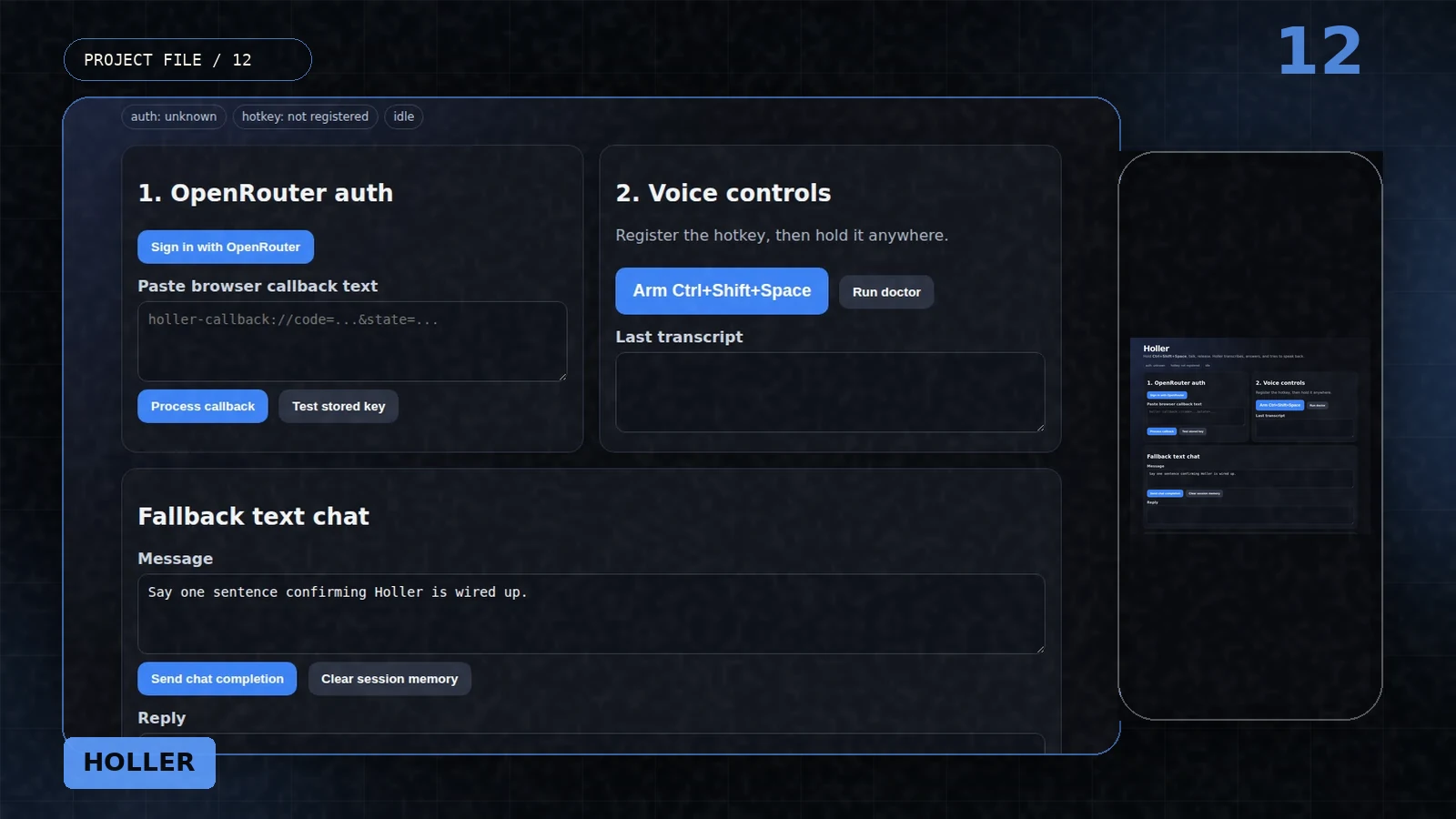
Most voice assistants still ask me to enter their world. Open the app, click the microphone, wait for the state change, speak, then look at a transcript in another chat surface.
Holler started with a smaller interaction: hold Ctrl+Shift+Space anywhere in Windows, talk, release, and get a spoken answer. The window exists to configure and debug that loop, not to become the product's permanent home.
12.01
The hotkey is the interface
Pressing the global shortcut starts microphone capture. Releasing it writes a WAV file, sends it for transcription, adds the transcript to a short in-session conversation, requests an answer, then hands that answer to speech synthesis.
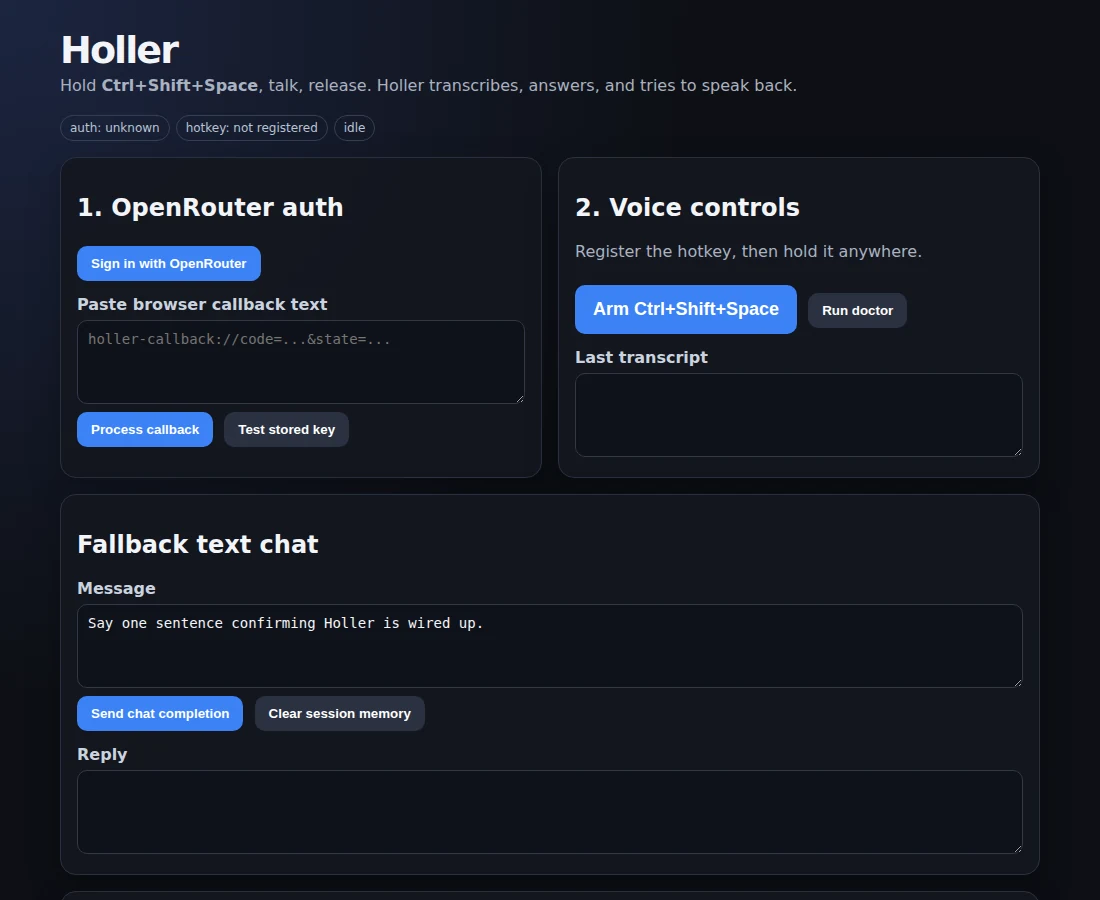
There is also a fallback text path because voice systems fail in more places than text boxes. The desktop panel exposes auth, hotkey status, the last transcript, the reply, and a small doctor action so the invisible interaction can be inspected while it is still young.
Target gestureHold, speak, release, hear.
12.02
The product is mostly plumbing
Holler is a Tauri application with a Rust core. It handles global shortcuts, CPAL microphone capture, WAV encoding, network requests, OpenRouter's PKCE exchange, callback parsing, and OS keyring storage before the assistant can say one useful sentence.
That plumbing is the point. A voice interface feels immediate only when authentication, recording state, errors, and secret handling are boring enough to disappear.
12.03
The MVP is real and visibly rough
The current source compiles with the pinned modern Rust toolchain. It has a usable push-to-talk path and limited in-session memory, but it is Windows-first, unsigned, and not packaged as a public installer.
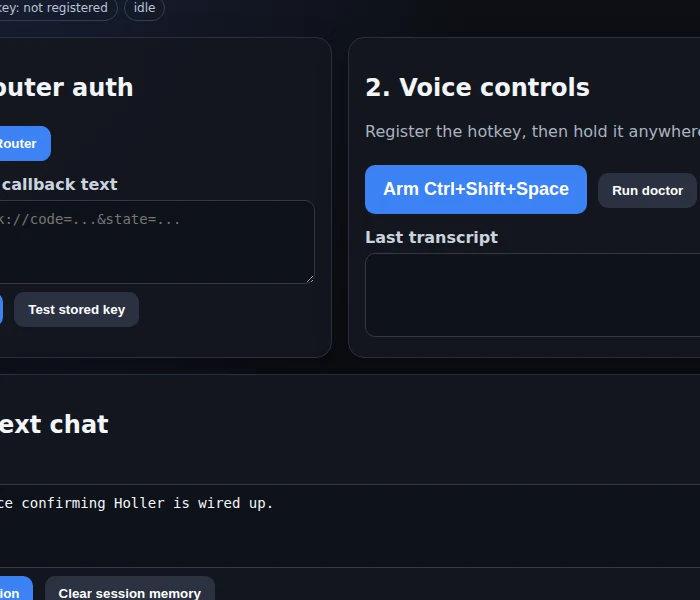
Speech playback still hands an audio file to the system player. Conversation memory disappears with the process. There is no tray behavior, wake word, physical button, or polished permission flow. The screenshot shows the pre-auth diagnostic shell because presenting it as a finished assistant would be dishonest.
Current statusA source-build interaction prototype, not a distributed desktop product.
12.04
A physical button would change the feeling
A keyboard shortcut proves the interaction cheaply. A small desk button or wearable trigger could make it feel more like talking to a tool in the room and less like operating software.
That hardware is not necessary yet. First the voice loop has to become fast and dependable enough that reaching for it feels easier than opening a chat tab.
What survived
Three things I would carry into the next build
- A new interface can be one reliable gesture, not a new screen.
- Voice UX is mostly state, latency, permissions, and failure handling.
- Keep the diagnostic window until the invisible interaction earns the right to disappear.